We’ve improved how
Week Start preferences
work across Meetings, Services, and Rentals, making your preferred start of the week consistent throughout the scheduling experience.What’s New?
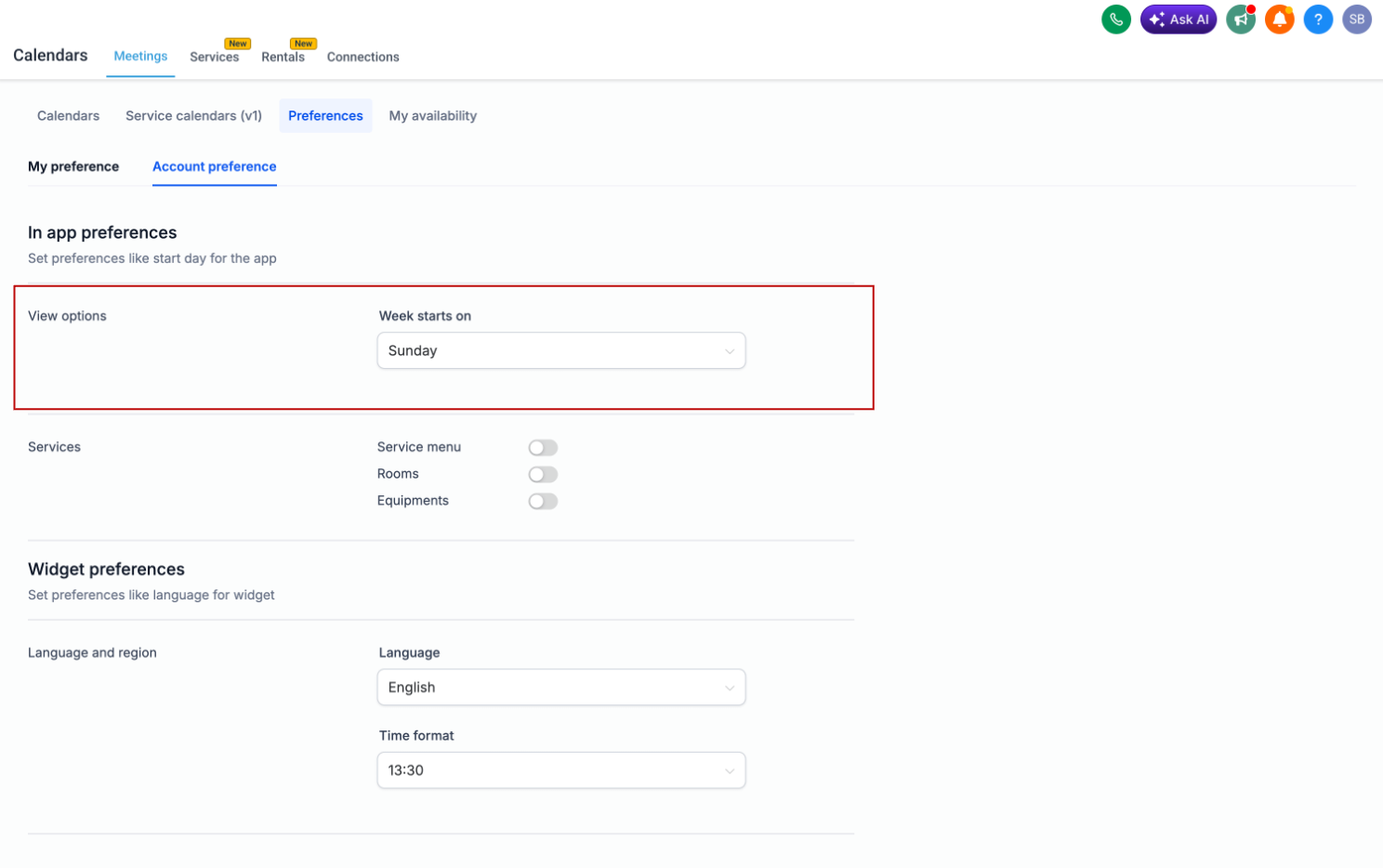
You can choose whether your week starts on
Saturday, Sunday, or Monday
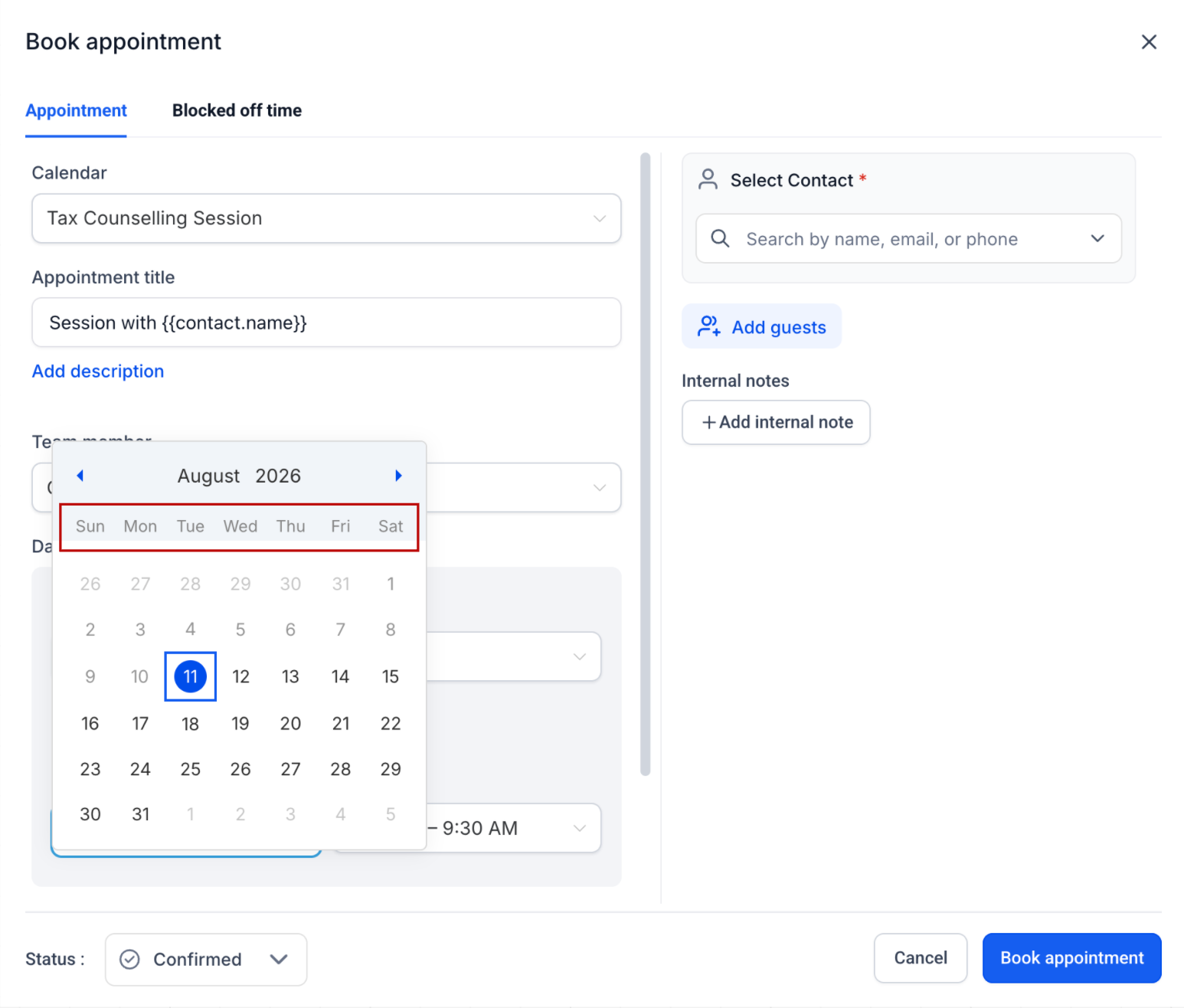
, and Calendars will now respect the appropriate preference across in-app scheduling experiences.Your Week Start preference is now reflected across touchpoints such as:
- Calendar views
- Appointment creation and editing
- Schedules and availability settings
- Staff availability
- Date pickers
- Business operating hours
This creates a more consistent experience as you move between different parts of Calendars.
How to Configure It
Set your preferred
Week Starts On
day separately for Meetings, Services, and Rentals from Calendar Settings:- Meetings:Meetings > Preferences
- Services:Services > Global Settings > In-App Settings
- Rentals:Rentals > Global Settings > In-App Settings
Choose your preferred start of the week:
- Saturday
- Sunday
- Monday
Once saved, your preference will automatically be reflected across the relevant in-app Calendar and scheduling experiences.
Booking Widget Preferences Stay Independent
Week Start settings configured specifically for your
booking widgets remain independent
.Your in-app preference will not override your widget configuration, so you can continue customizing the customer-facing booking experience separately from your internal scheduling experience.
Was this article helpful?
That’s Great!
Thank you for your feedback
Sorry! We couldn't be helpful
Thank you for your feedback
Feedback sent
We appreciate your effort and will try to fix the article